PakNEV
EVs, Chargers, Routes

The PakNEV App
Choose the right car, plan the trip on its real range and find chargers other drivers have checked. One free app, made for Pakistan’s roads.

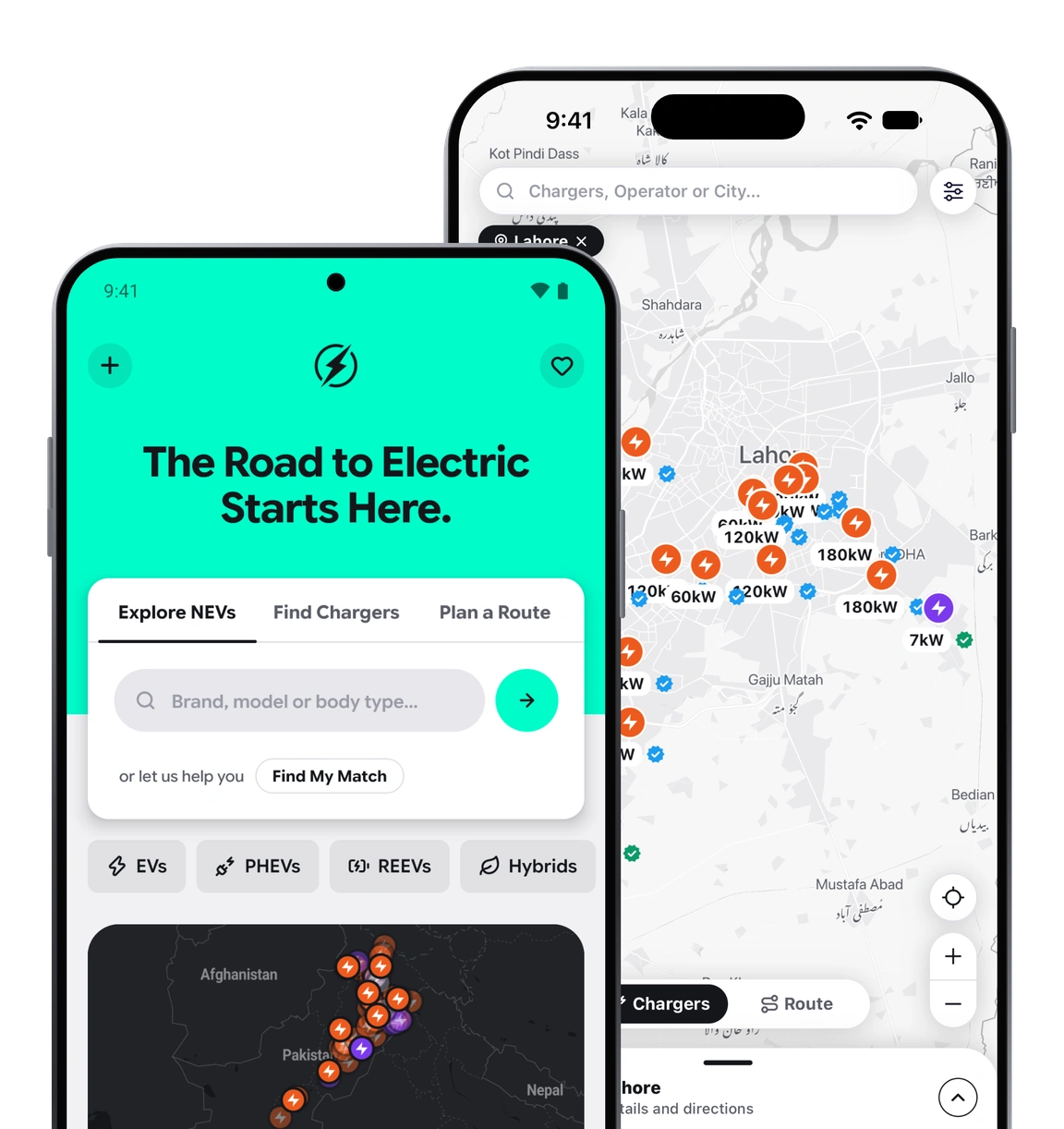
Will the charger work? Will I make it to Islamabad? Will I really save over petrol? PakNEV answers all three before you leave home.
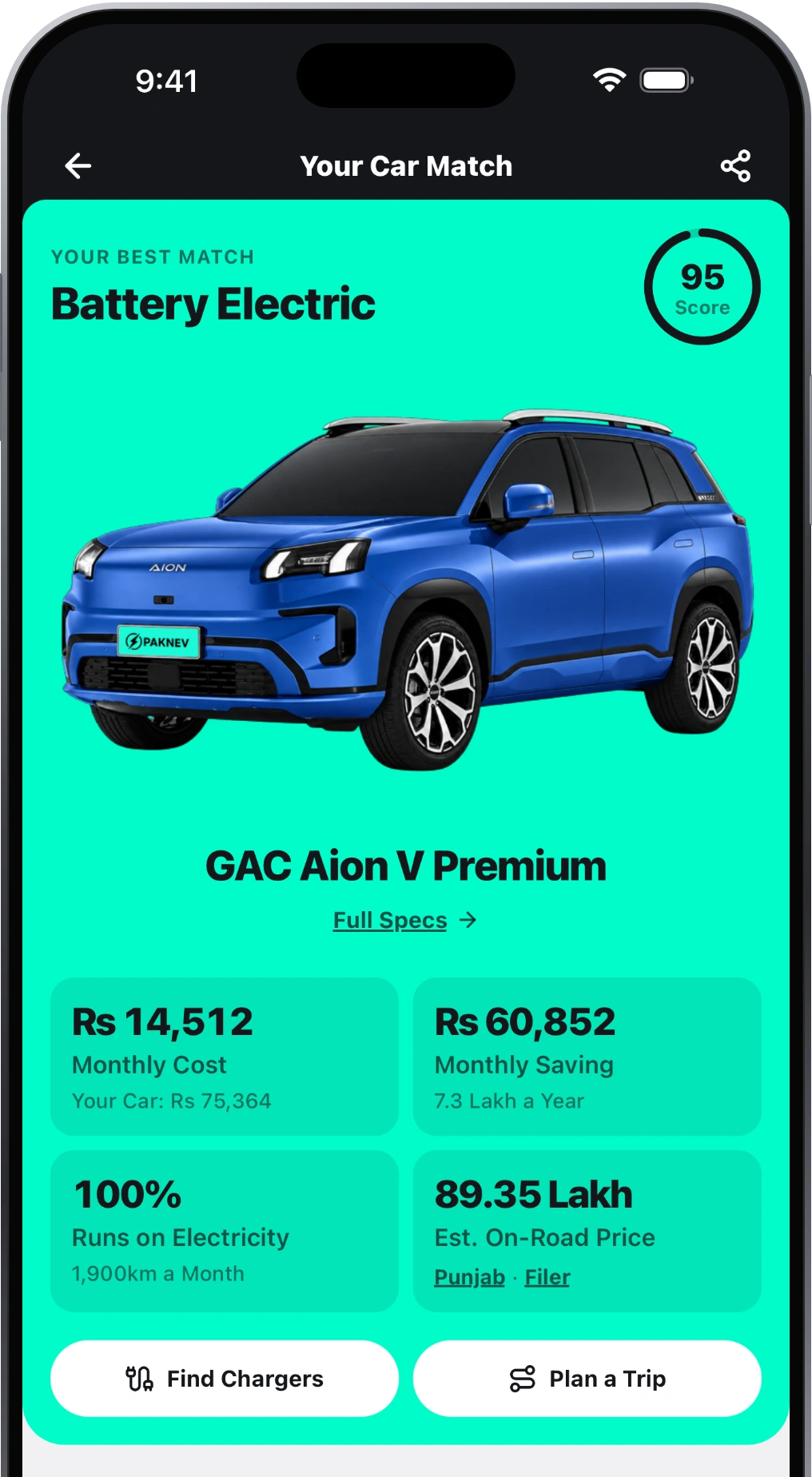
Every trip starts with the right car. Car Match ranks every NEV on sale for your budget and how you drive, and shows what you’d save over petrol.
Browse every NEV on sale with its on-road price, then compare range, battery and running cost. Or start from a matchup people already argue about.
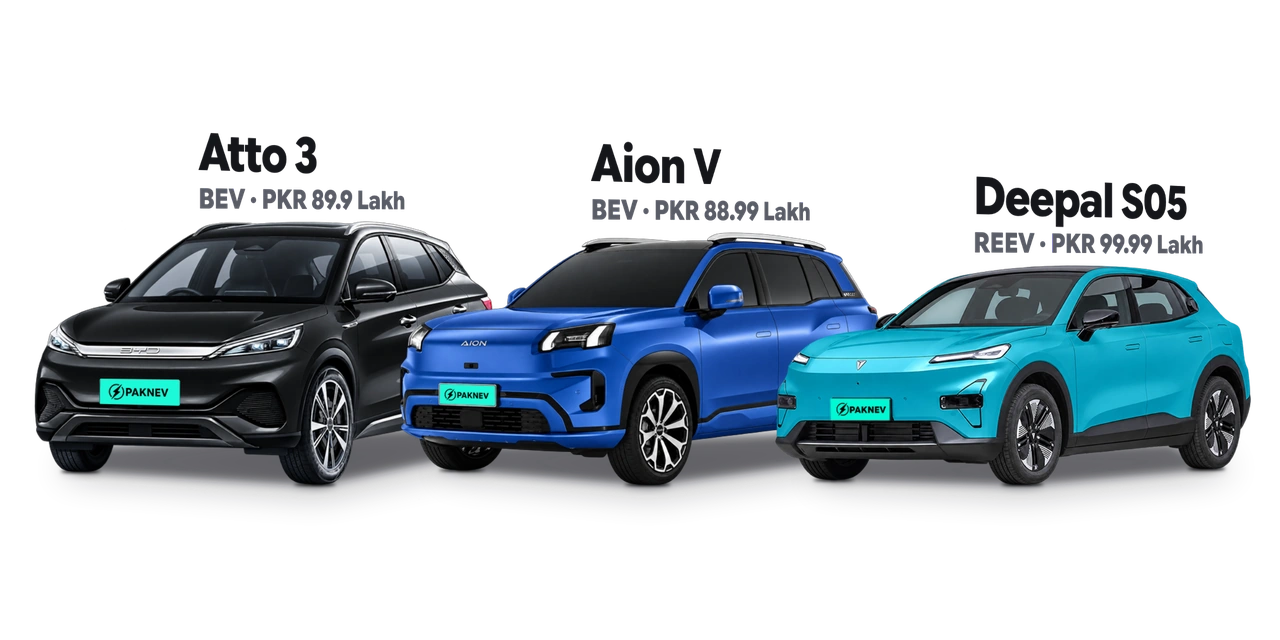
Pick your car and where you’re going. PakNEV plans every charging stop on your car’s real range, counting the climb, the heat and your speed, and tells you how long each one takes.
A real plan from the app, Karachi to Islamabad: BYD Sealion 7 Premium, 17 h 39 min driving and 3 h 13 min charging, via the M-5.
Lahore to the Bhera service area on the M-2, 212 km in a GAC Aion V Premium. Every change to the planner is checked against the trips we really drove.
Public chargers and home hosts across Pakistan on one map, with the price per kWh, the connectors, the power and what the last driver found.
A charger goes dark when the grid does. Every public charger with a phone number has a Call button in the app, so you can check before you drive there.
A driver charged here. The map says how many drivers and how long ago.
Cars are waiting. Drivers say how many, so you can plan around it.
No power, or it won’t charge. No Power is usually load-shedding, so it clears after an hour.
Most of PakNEV works on the website too. These three come only with the app.
A notification when a new car arrives, a car’s price drops or a charger is listed. You pick which ones you get.
No bars at the charger? Your report waits on your phone and sends itself later, with the time you were there.
Add your car once to see the chargers within 25 km and your last trip, one tap from planning the next.
Press Start and your next charging stop stays on screen, with what you need to know before you get there.
Which stop it is, the station, its price per kWh and power, and the km to go.
At the charger it tells you the charge to reach and times you against the plan.
Leave the route and the whole trip is planned again from where you are.
PakNEV plans the charging. One tap opens directions to your next stop.
In cars with Android Auto or Apple CarPlay, the chargers near you and the stops on your trip are on the dashboard, not in your hand.
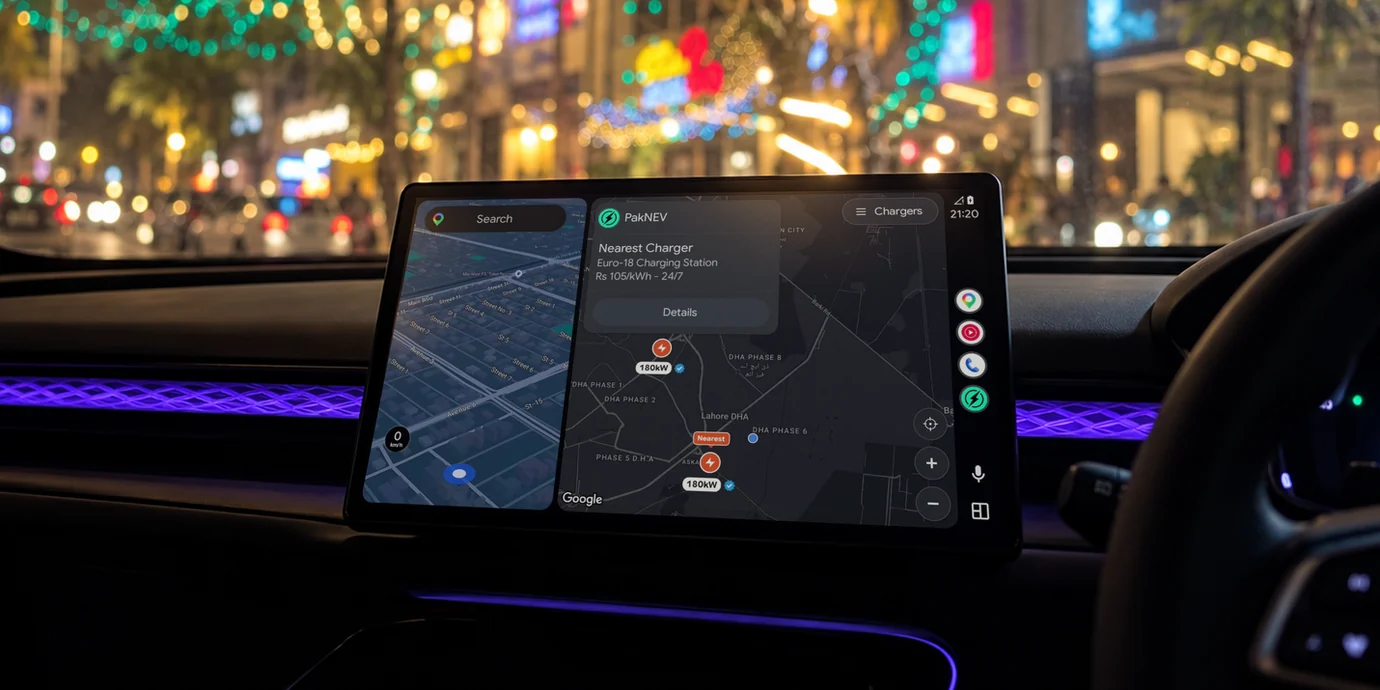
The nearest first, each with its price, hours and what drivers last reported.
The stops you planned on your phone, in order, with the charge to reach at each.
Open a charger for its plugs, power and hours, then navigate there or call ahead.
Plugged in? Tap Working or Not Working on the screen, and the next driver knows.
Built for the drives we actually make, with the hills, the heat and the holidays that come with them.
The planner counts every metre of climb, so the hills don’t eat the margin you planned on.
Heat and air conditioning cost range. The planner reads the forecast for every leg of the trip.
The planner won’t send you to a charger that’s shut when you arrive, Eid and public holidays included.
Still stuck? A driver in our WhatsApp community will usually beat us to the answer.
Ask the CommunityYes. PakNEV is free on the App Store and Google Play, with no subscription.
No. Your garage and saved trips stay on your phone. You only share details when you choose to, like listing a home charger.
It plans on your car’s real range and counts the climb, the outside temperature and your speed on every leg, using Copernicus elevation data and MET Norway weather. Each update is checked against trips we really drove.
Drivers check in at the charger and tap Working, Queue or Not Working. Only reports made at the charger count, and the map shows the latest one and how long ago it was made.
Every electric, plug-in hybrid, range extender and hybrid car on sale in Pakistan, with on-road prices and running costs.
Yes, in cars with Android Auto or Apple CarPlay. The chargers near you and the stops on your trip show on your car’s screen.
Yes. List it from Get Listed in the app, and drivers nearby can find it on the map as a home host.
That was the trip. The app does it for real: choose the car, plan the drive, find the charger and arrive with charge to spare.
Free on iPhone and Android.
A driver charged here. The map says how many drivers and how long ago.
Cars are waiting. Drivers say how many, so you can plan around it.
No power, or it won’t charge. No Power is usually load-shedding, so it clears after an hour.